
Google Forms
Overview
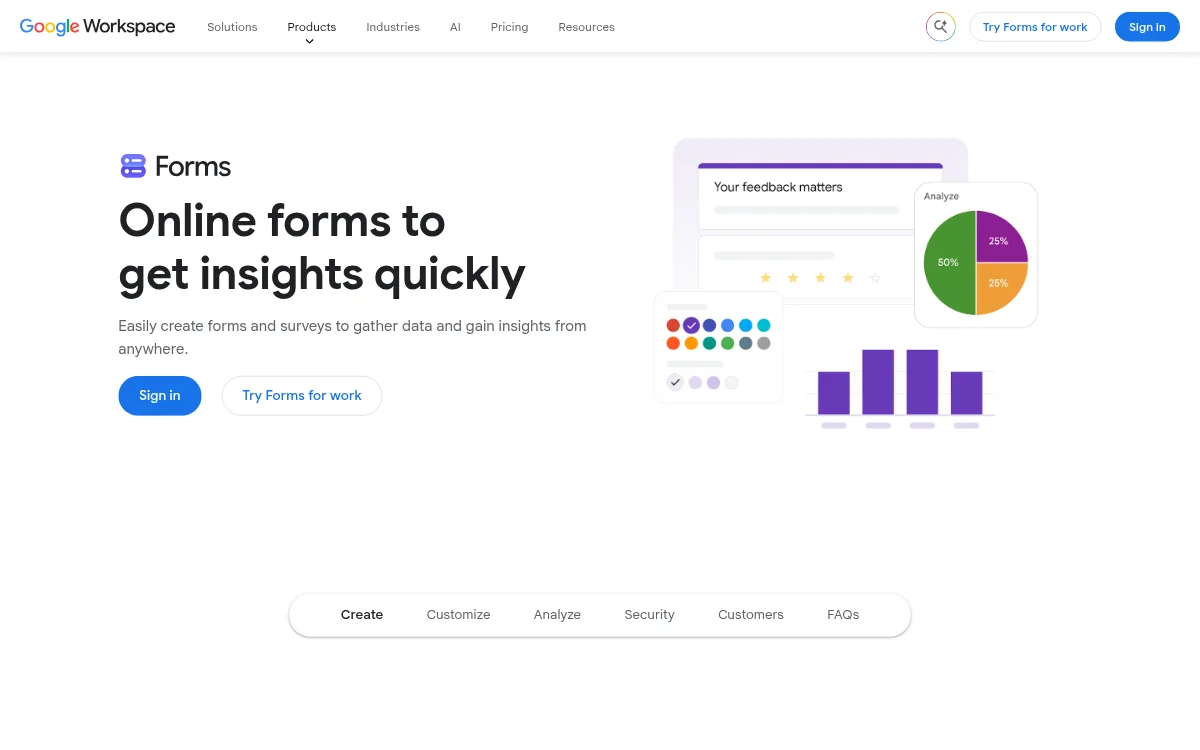
Google Forms is an online form builder and survey tool included with Google Workspace. Teams can create forms from scratch or generate questions with Gemini, Google’s AI assistant, by describing the form they need. The platform supports multiple question formats, customized branding, collaborative editing in real time and domain-level access restrictions to manage who can view or submit each form.
Responses flow directly into spreadsheets in Google Sheets or can be reviewed within the built-in summary view. Automated charts track incoming submissions as they arrive, and Gemini can summarize text replies to identify common themes without manual review. The software integrates with other Google Workspace applications to serve as a feedback tool that collects structured information across an organization.
Categories
Features
View all 15 featuresProduct Features
- Skip logic
- Conditional fields
- Form template library
- Partial submissions
- Custom form styling
Security & Compliance
- ISO 27001
- Two-Factor Authentication
- Audit Logs
- Encryption at rest and in transit
Data & Hosting
- EU Data Residency
- Data Export
- Bring Your Own Key
Pricing
See Google Forms’s pricing page for plan details.
Last checked November 17, 2026. Prices come from Google Forms’s website and may change. Confirm current pricing with Google Forms before you buy.