Crosscheck
Overview
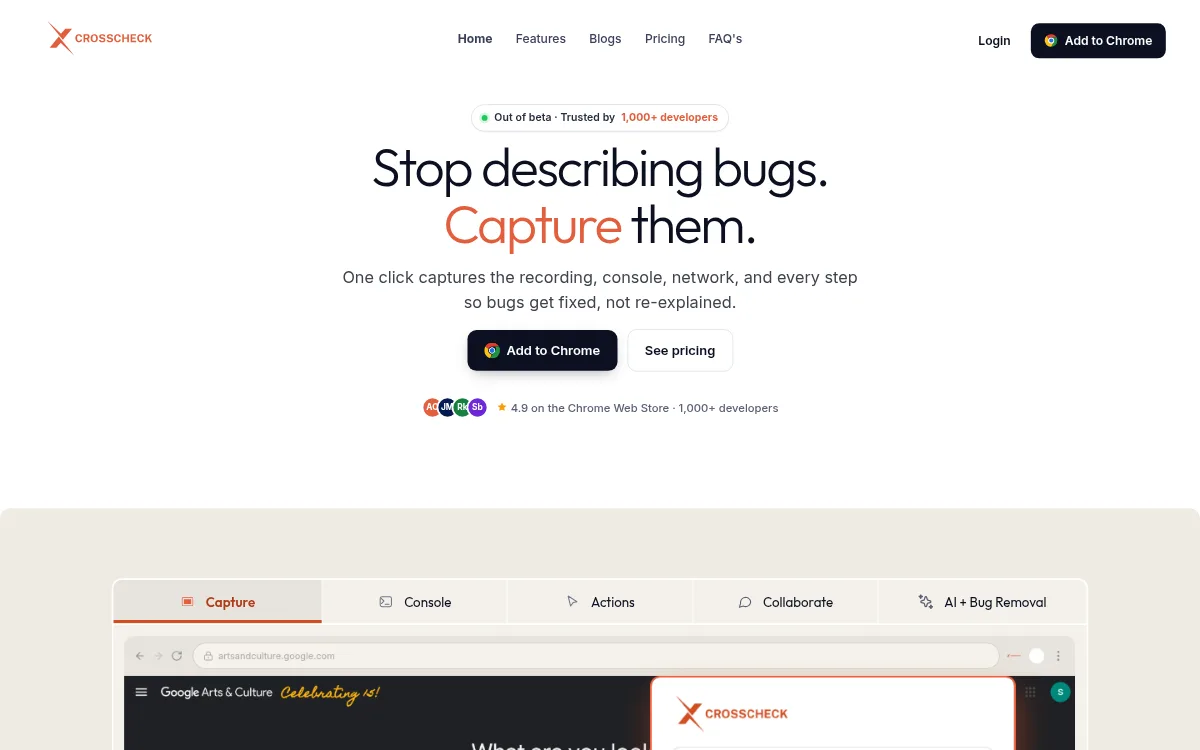
Crosscheck is a browser extension for visual bug reporting that records technical context alongside screen captures. When someone flags an issue, one click captures screenshots or screen recordings while logging console errors, network traffic and user actions such as clicks and scrolls. An instant replay mode rewinds up to 2 minutes of activity, saving environment details like the operating system, browser, viewport dimensions and pixel ratio.
Built-in annotation tools let reporters highlight issues, add shapes and blur sensitive details before sharing. Teams can triage findings with tags and priorities, then export reports into Jira or ClickUp. Crosscheck also formats session data for the Model Context Protocol, allowing developers to send network logs and reproduction steps to AI tools like Claude and Cursor during testing.
Categories
Features
View all 17 featuresProduct Features
- Screenshot annotation
- Screen recording bug reports
- Session replay
- Automatic environment capture
- Network request inspection
Security & Compliance
- GDPR DPA
- Role-Based Access Control
- Encryption at rest and in transit
Data & Hosting
- Data Export
- Unlimited data retention
Pricing
Crosscheck offers a free plan, with paid plans from $12/month per seat.
| Plan | Price |
|---|---|
| Free | $0/pm |
| Pro | From $12/pm per seat |
Last checked November 17, 2026. Prices come from Crosscheck’s website and may change. Confirm current pricing with Crosscheck before you buy.